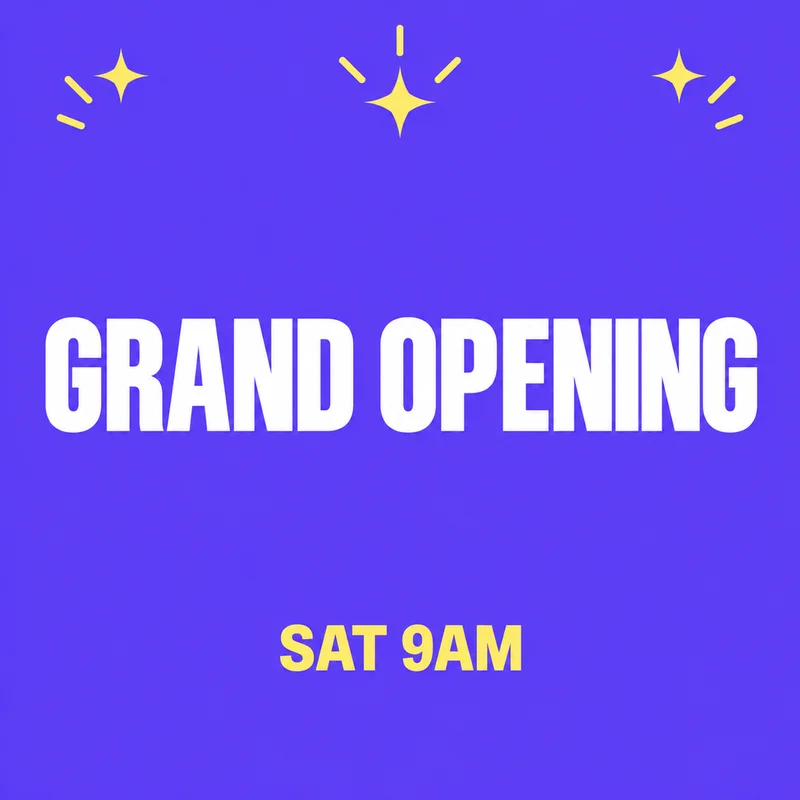
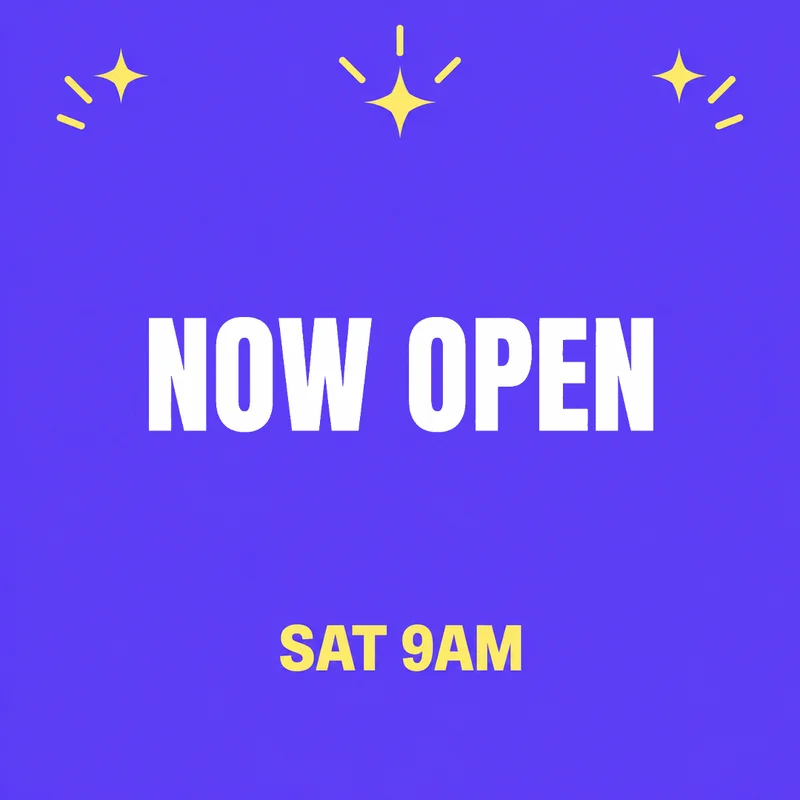
OCT 24OCT 31
Update the date and keep the rest of the poster.
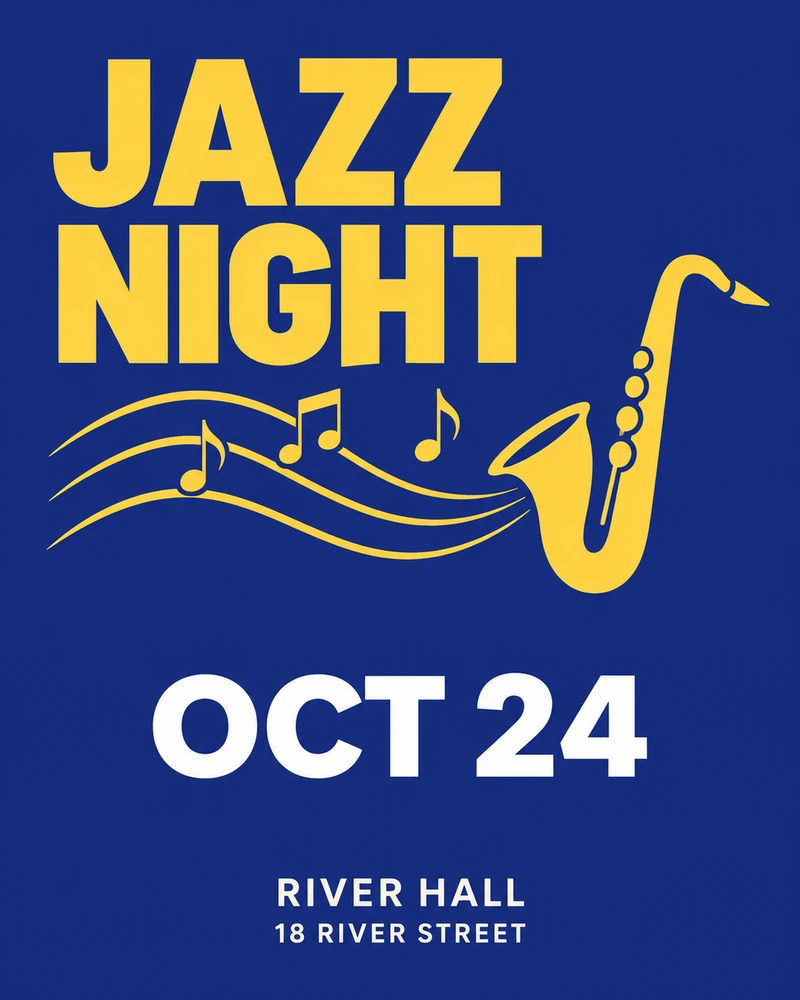
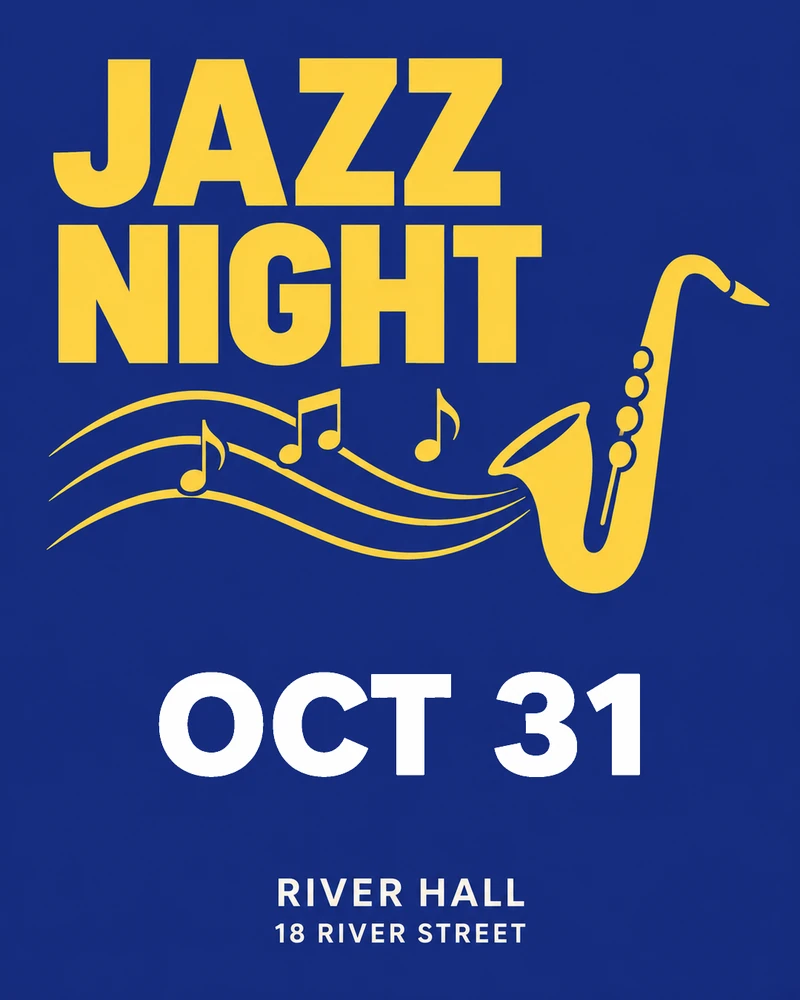
A new name, price, or date. The same original style. Change only the words inside your box.
Sample · real output
or paste an image with Ctrl+V
All examples are real outputs
OCT 24OCT 31
Update the date and keep the rest of the poster.
$4.50$3.90
Change the price on a finished product card.
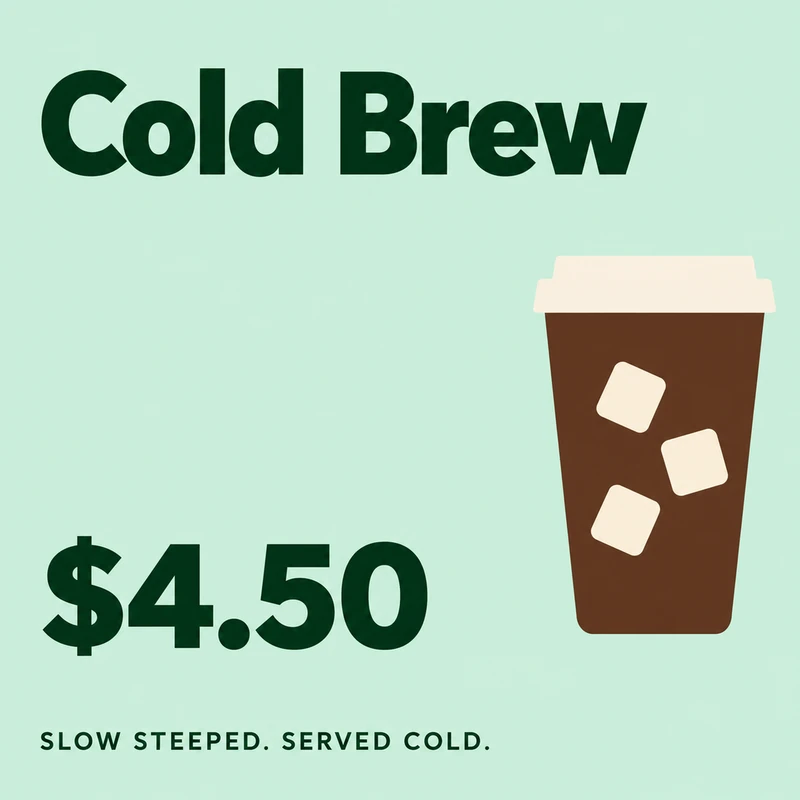
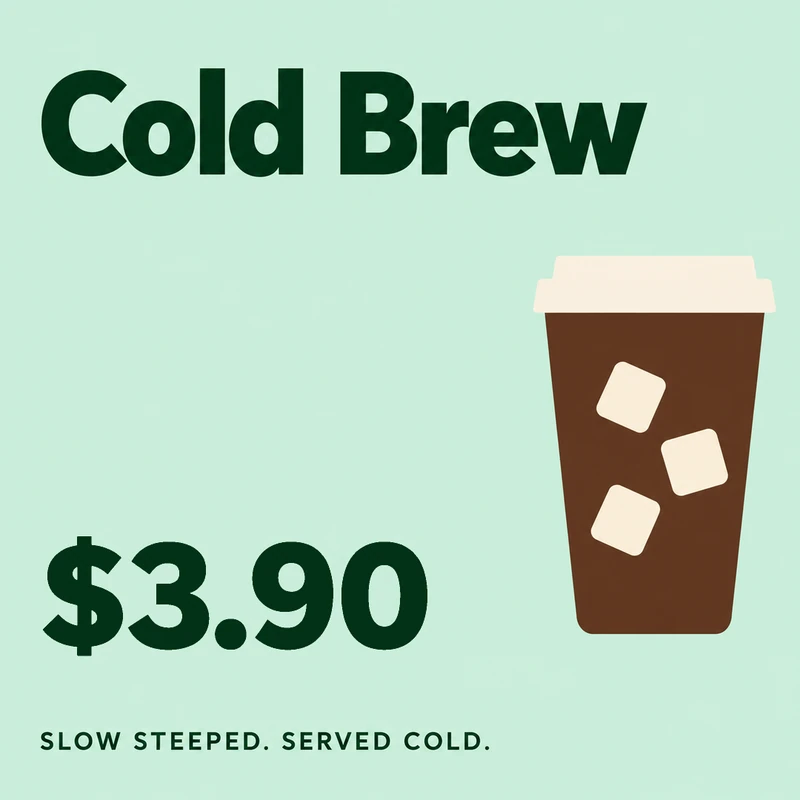
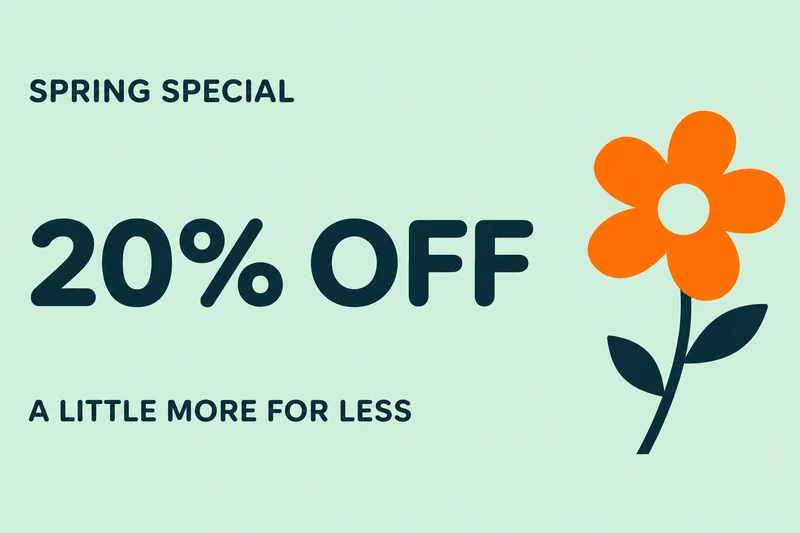
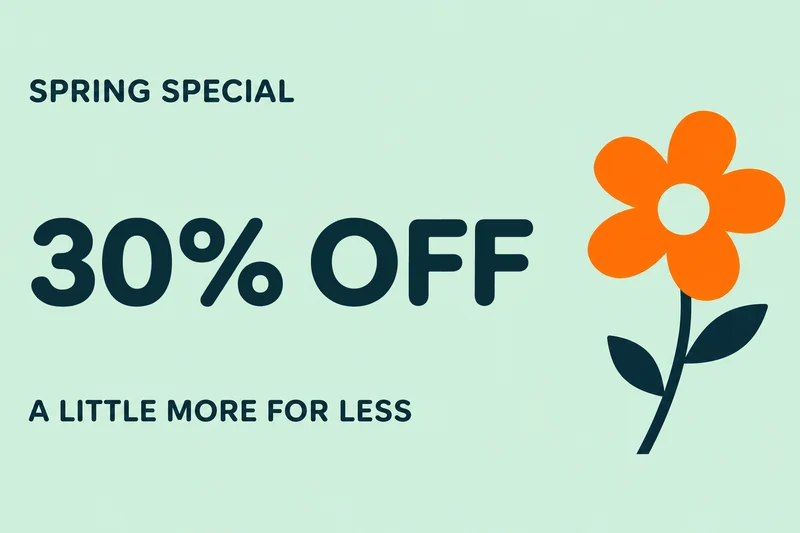
20% OFF30% OFF
Refresh the discount in a static banner ad.
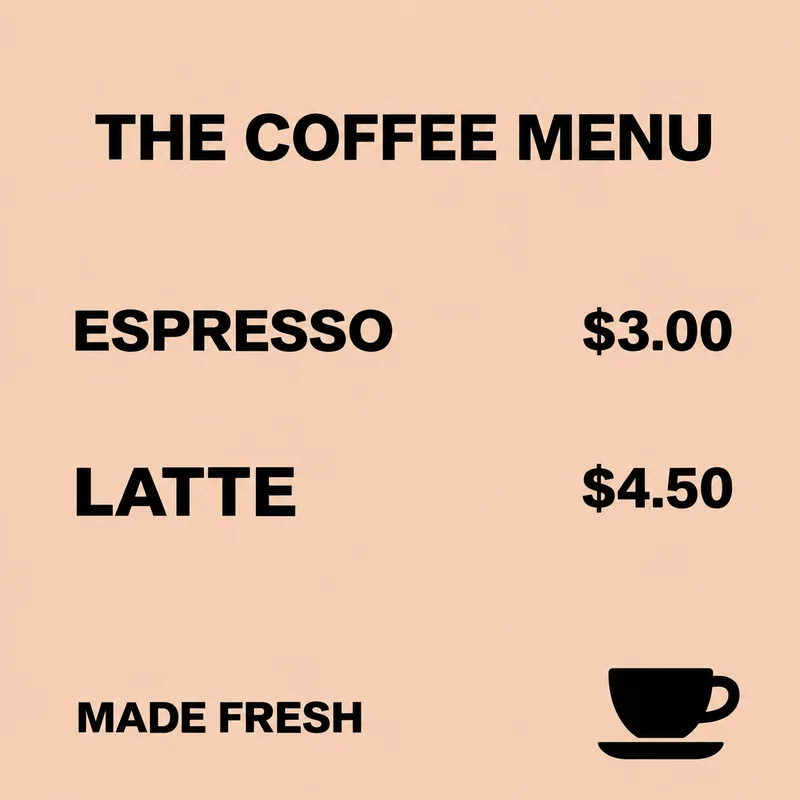
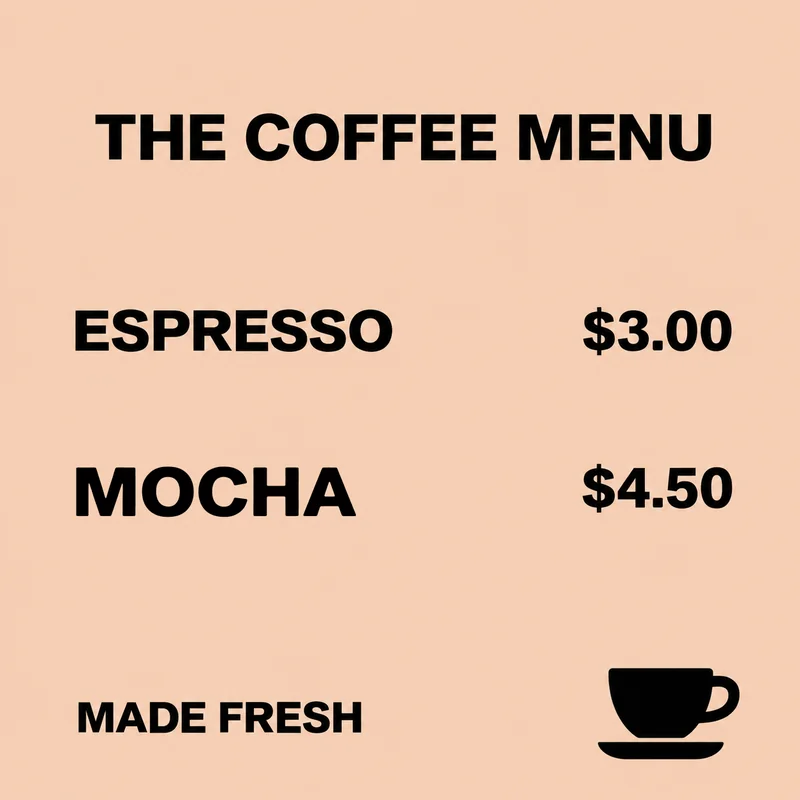
LATTEMOCHA
Change the drink name and keep the adjacent price.
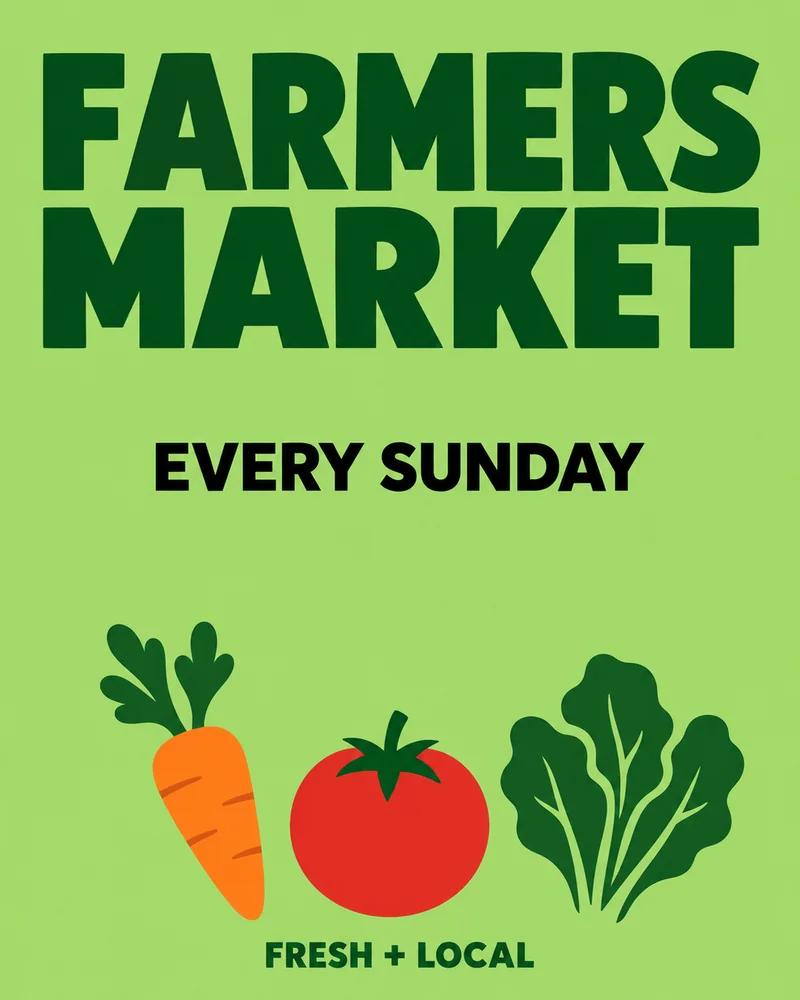
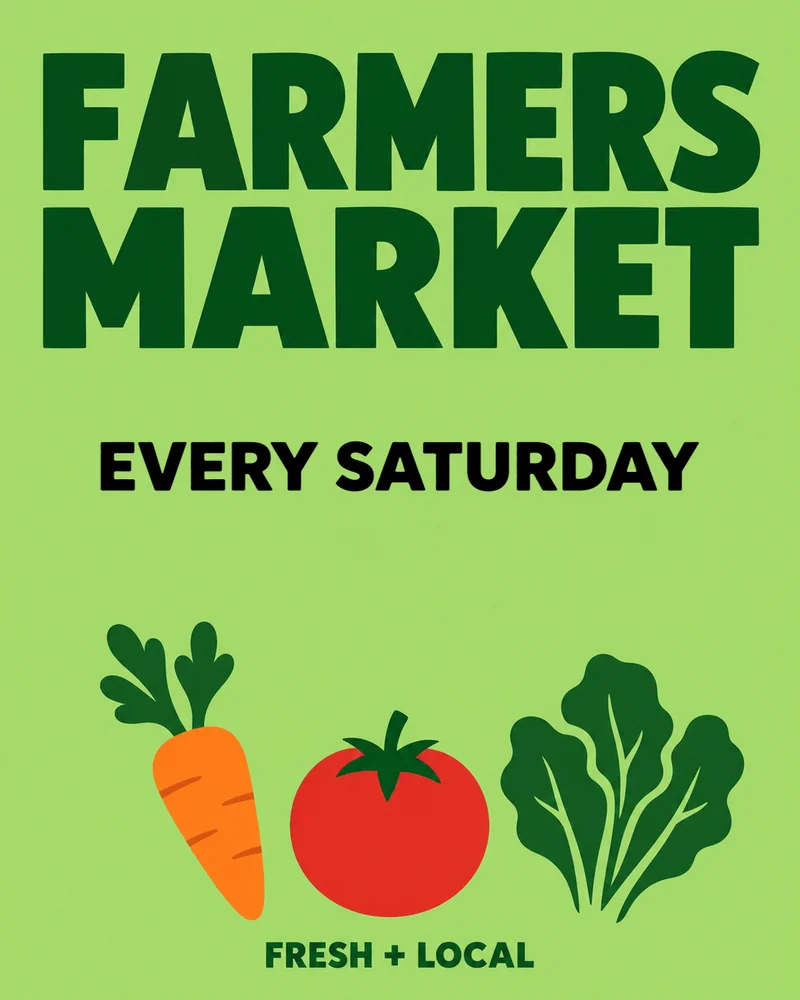
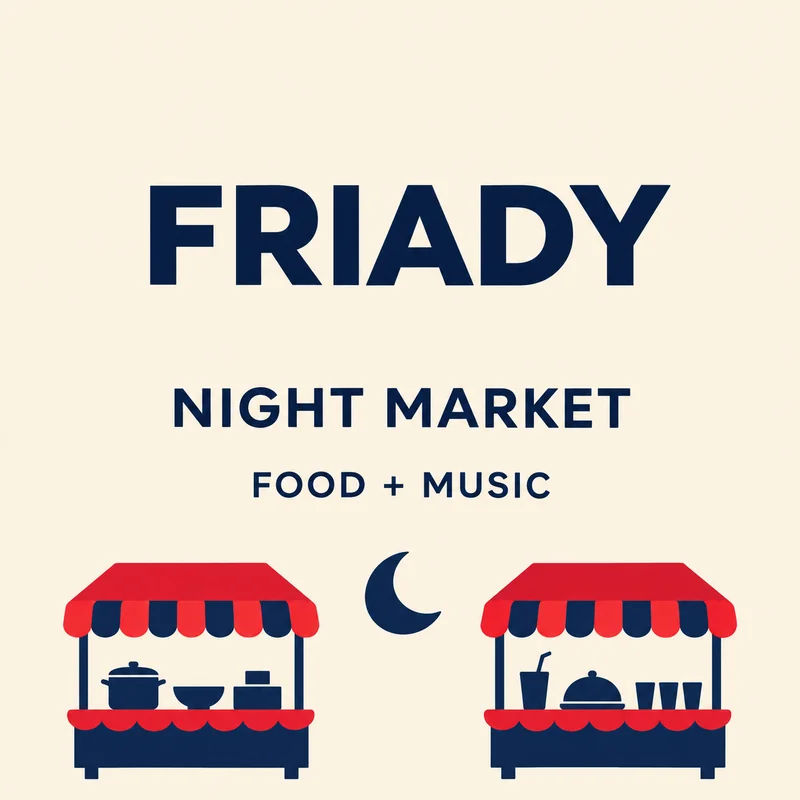
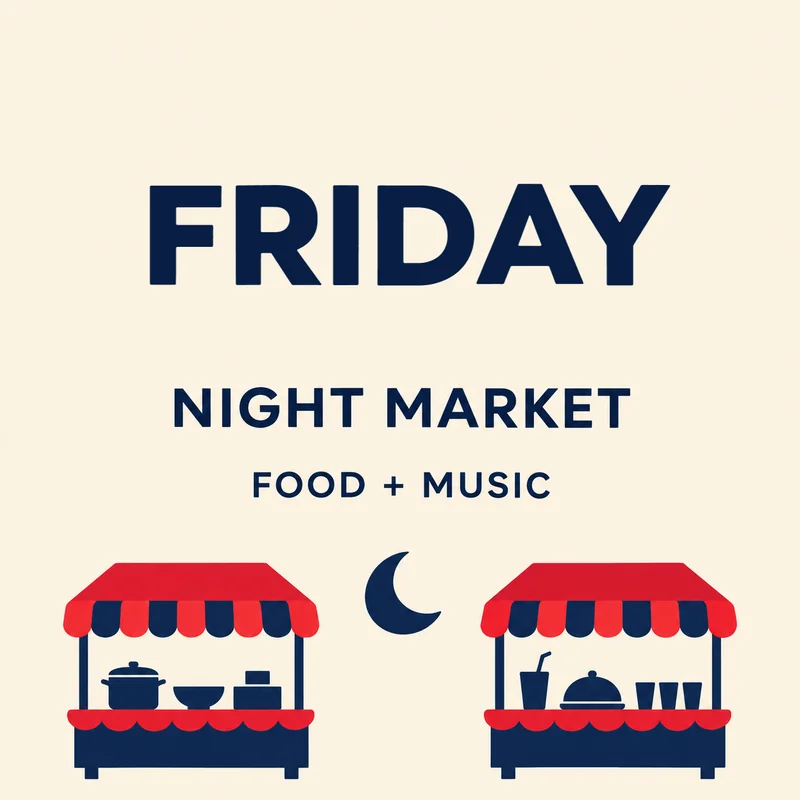
FRIADYFRIDAY
Put the letters in FRIDAY back in order.
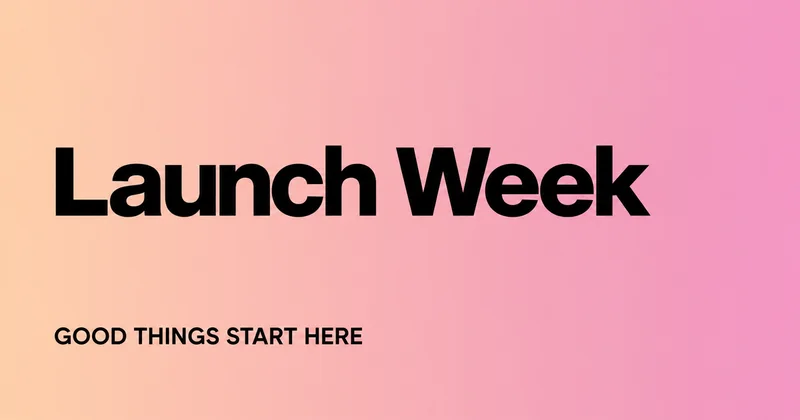
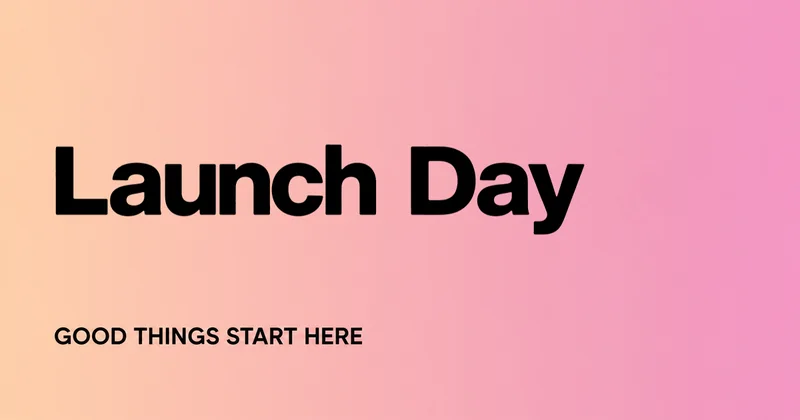
Launch WeekLaunch Day
Switch from launch week to launch day.
| Patchtype | Photoshop | Canva | Whole-image AI editors | |
|---|---|---|---|---|
| Pixels outside your box | Copied from the original | Untouched if you edit carefully | Untouched if you cover and retype | Regenerated with the rest |
| Matching the lettering | Read from your image | Find or rebuild the font yourself | Pick a similar font yourself | Varies by result |
| Skill needed | Draw a box, type the words | Layers and retouching | Basic layout | Writing prompts |
| How you pay | One-time credits, no subscription | Subscription | Free, or a Pro subscription | Varies, often per generation |
| See what changed | Original, Result, Split and Changes views | Toggle layers yourself | Not built in | Varies |
Patchtype changes one block of printed Latin text in a flat marketing graphic, such as a poster, flyer, sale banner, menu card, social post, link-preview image, or product card.
It copies every pixel outside your box from the original. It does not handle photos, textured backgrounds, handwriting, or Chinese, Japanese, and Korean text.
Choose a flat graphic with printed text on a plain or smooth-gradient background.
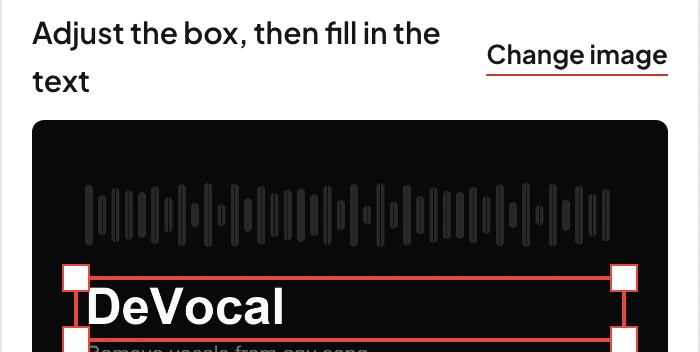
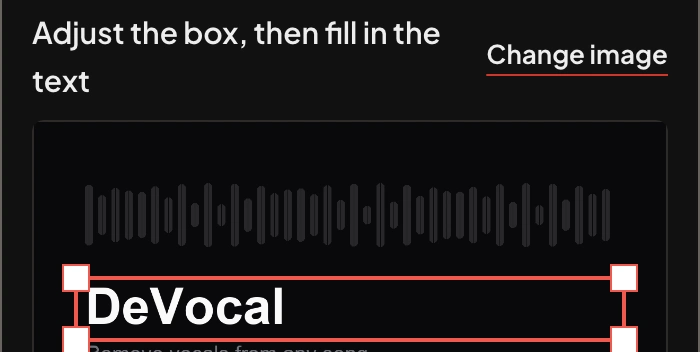
Select one piece of text. Tell us what it says and what it should say instead.
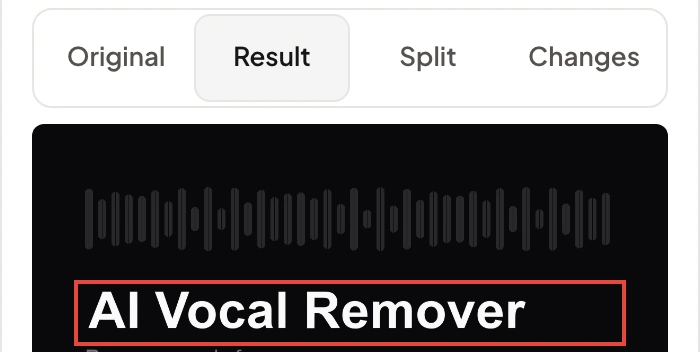
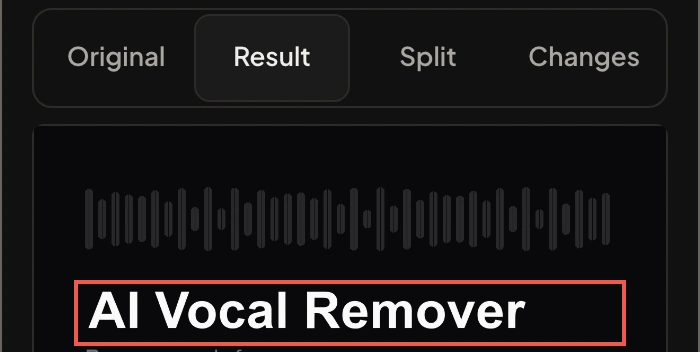
Compare the original and result. Accept to download a full-size PNG.
Start with 1 free credit. Top up when you need more.
Not right? Reject it and get the credit back — 1 free rejection to start, plus 1 for every result you keep.
$9.90 USD
20 credits
$0.50 per edit
$19.90 USD
60 credits
$0.33 per edit
$39.90 USD
150 credits
$0.27 per edit
One-time credit packs. No subscription. Credits never expire.
Checking purchases…
Flat marketing graphics: banners, posters, link-preview images, and product cards. Use one block of printed Latin text on a solid or smooth-gradient background. Photos, textures, transparent images, tiny text, and CJK text are outside this version’s scope.
The finished PNG keeps every original pixel outside your selection. The full-size preview adds a light watermark; accept the result to download the clean PNG.
A result uses 1 credit only if you keep it. You get 1 free rejection to start, plus 1 for every result you keep. With none left, a result uses 1 credit when it’s delivered — we tell you before you generate.
No. Credit packs are one-time purchases and credits never expire. There is no recurring subscription.
An original-size PNG without a watermark. Accepted results are available in My edits for 7 days, and downloading again uses no extra credit.