
Launch WeekLaunch Day
Move from Launch Week to Launch Day
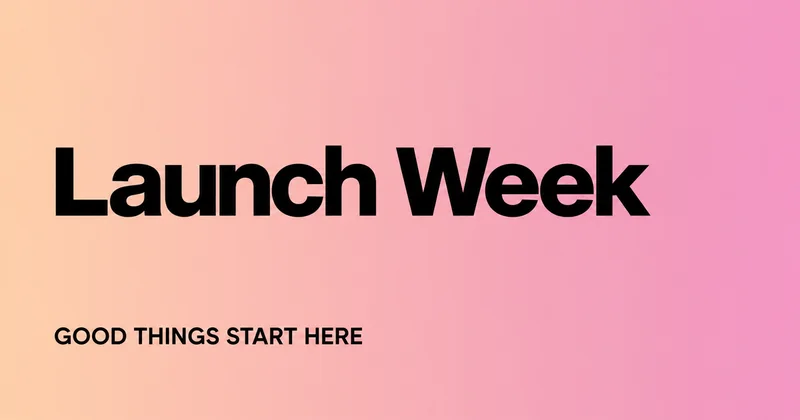
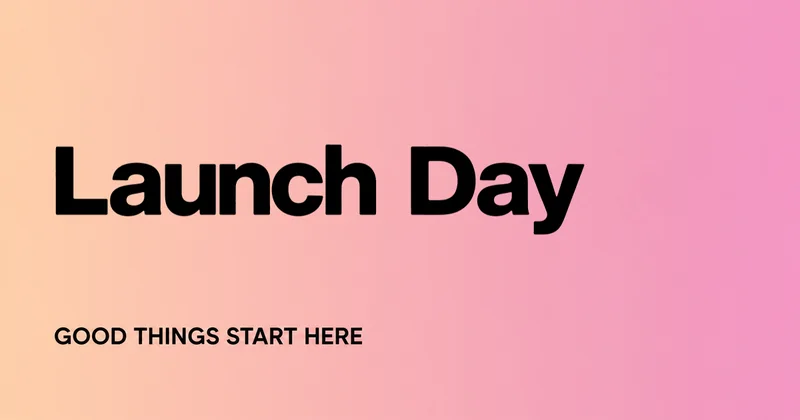
This real edit changes Launch Week to Launch Day on a 1200 × 630 promotional image. The smaller line, GOOD THINGS START HERE, remains outside the selected region.
Update a launch headline on a finished social graphic. Keep the artwork and check how the new words fit in the feed.
Up to 60 characters. One block of printed Latin text.
Launch WeekLaunch Day
This real edit changes Launch Week to Launch Day on a 1200 × 630 promotional image. The smaller line, GOOD THINGS START HERE, remains outside the selected region.
Upload your own opaque PNG, JPEG or WebP social graphic. Use the version intended for the placement: a feed, story and link preview can crop the same image differently. The selected Latin text needs a solid or smooth-gradient background. Keep the full headline inside the box and leave clear margins; Patchtype keeps the original dimensions and does not create platform-specific crops.
One clear text region on a flat or smooth-gradient background. Opaque PNG, JPEG or WebP; up to 10 MiB and 16 megapixels. Latin text and numbers only. The interface is available in English and Simplified Chinese; Chinese image text editing is not supported.
The free check comes first. In rejectable mode, 1 credit is charged only if you keep the result. With no free rejections left, delivery charging requires your confirmation before generation. Technical failures return the held credit.
Refresh a launch announcement or a short campaign message in an image you publish on social media. After downloading, upload the new file wherever the image needs replacing. Existing posts and cached link-preview images do not update automatically.
Download an opaque PNG at the original image dimensions. Pixels outside your selected box are preserved. Inspect every changed letter and number before publishing; matching a font inside the box is not guaranteed.
This edits words drawn inside an image. It does not change a post caption, alt text, page title or OG metadata. It cannot turn a landscape graphic into a story layout or move text away from platform overlays. Text over photography, screenshots, animated posts and video frames are outside this workflow.
No. It replaces visible text in the image file. Captions, page titles and social sharing metadata must be edited separately.
No. The output retains the source dimensions. Prepare a separate layout for a different aspect ratio and check each placement’s crop.
No. Download the result and replace or repost the image using the platform’s own controls. Cached link previews may still show the old file.
No. The selected words need a solid color or smooth gradient underneath. A photo elsewhere, outside the selection, can remain in the graphic.