
20% OFF30% OFF
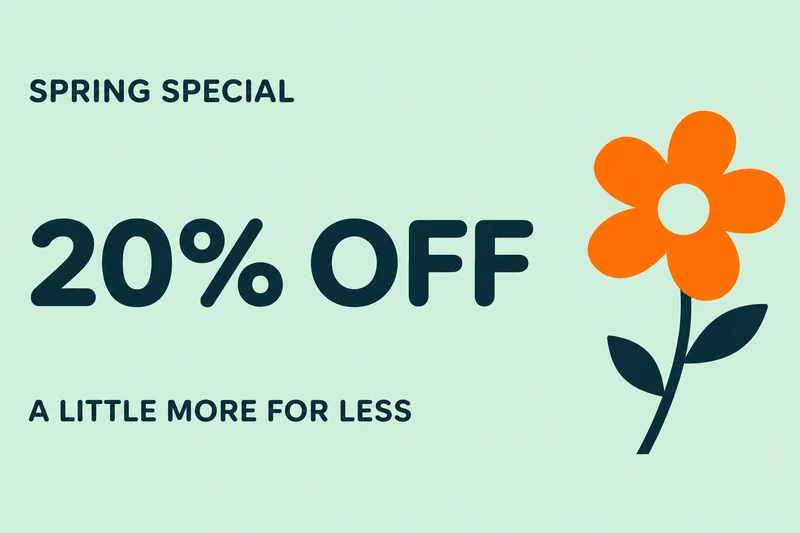
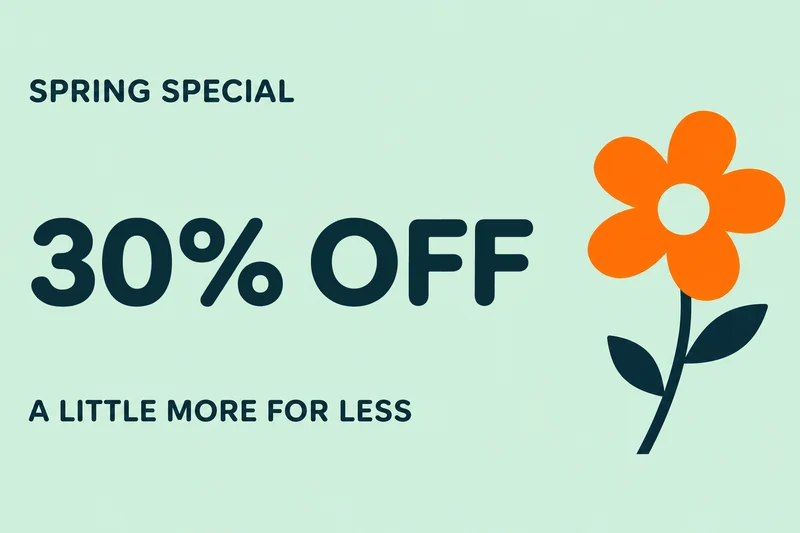
A spring offer, from 20% to 30% off
This real banner edit replaces 20% OFF with 30% OFF. The spring headline and orange flower sit outside the selection and stay unchanged.
Change an offer on a finished static ad. Select one line, enter the replacement and check the image free.
Up to 60 characters. One block of printed Latin text.
20% OFF30% OFF
This real banner edit replaces 20% OFF with 30% OFF. The spring headline and orange flower sit outside the selection and stay unchanged.
Upload the static PNG, JPEG or WebP export of your ad at the dimensions you intend to publish. Check those dimensions against the ad placement first: Patchtype does not resize a banner for different platforms. Select one clear Latin headline, discount or call to action on a solid color or smooth gradient. Leave room for the replacement without including the logo or small offer terms.
One clear text region on a flat or smooth-gradient background. Opaque PNG, JPEG or WebP; up to 10 MiB and 16 megapixels. Latin text and numbers only. The interface is available in English and Simplified Chinese; Chinese image text editing is not supported.
The free check comes first. In rejectable mode, 1 credit is charged only if you keep the result. With no free rejections left, delivery charging requires your confirmation before generation. Technical failures return the held credit.
Refresh a seasonal discount or a short call to action on an ad you own. Before submitting it, preview the downloaded PNG in the intended placement and check its file size. Each placement may have its own requirements; a successful text edit does not certify ad-platform approval.
Download an opaque PNG at the original image dimensions. Pixels outside your selected box are preserved. Inspect every changed letter and number before publishing; matching a font inside the box is not guaranteed.
Animated banners, HTML ads and text drawn over product photography are unsupported. The output keeps the original pixel dimensions and is always a PNG. It cannot export a complete set of ad sizes, change a destination URL or update an active campaign. Check that any offer terms elsewhere in the artwork still agree with the edited headline.
No. The PNG keeps the original image dimensions. Prepare the required size before editing and check the final file against the placement requirements.
Separate text regions need separate edits. Select only the discount for that edit, then check any exclusions, dates or conditions elsewhere yourself.
No. Upload an opaque, single-frame PNG, JPEG or WebP. Animation and HTML ad files are not supported.
No. The edit changes visible pixels in the artwork. Update the destination link separately in your ad platform.