
GRAND OPENINGNOW OPEN
From an announcement to an invitation
This real processing result changes GRAND OPENING to NOW OPEN. The selection follows the original request; the rest of the poster stays in place.
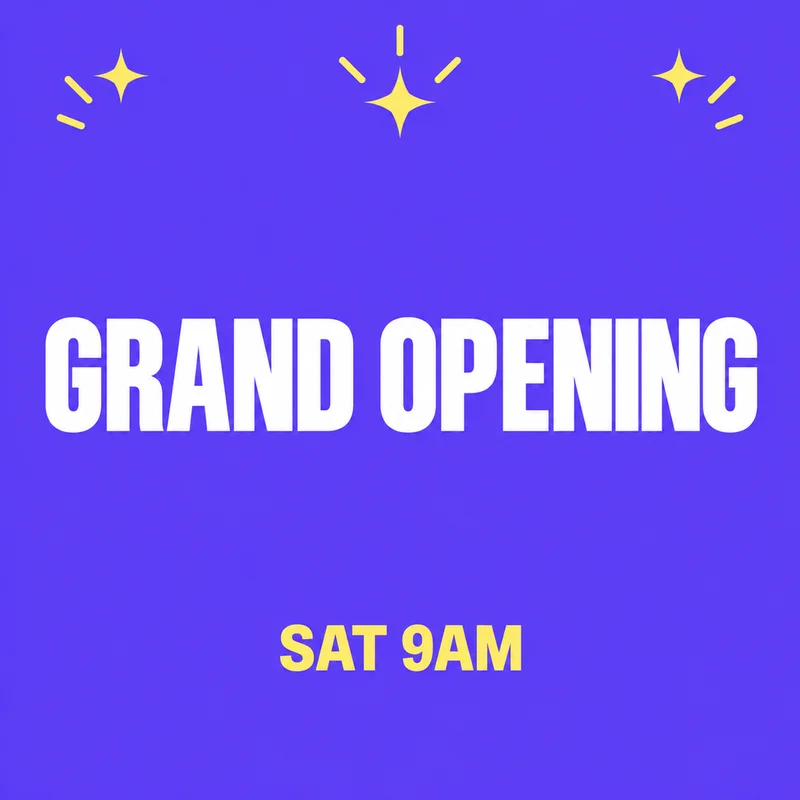

Change one headline on a finished flyer or poster when the original design file is missing. Upload it here, draw a box around the words and enter their replacement.
Up to 60 characters. One block of printed Latin text.
GRAND OPENINGNOW OPEN
This real processing result changes GRAND OPENING to NOW OPEN. The selection follows the original request; the rest of the poster stays in place.
Use an exported digital flyer with a readable headline against one color or a smooth gradient. Choose a single text region, leave room for the replacement and keep each input within 60 characters. A longer phrase may need a wider box. If you have the source design, changing it there gives you direct control over type and layout.
One clear text region on a flat or smooth-gradient background. Opaque PNG, JPEG or WebP; up to 10 MiB and 16 megapixels. Latin text and numbers only. The interface is available in English and Simplified Chinese; Chinese image text editing is not supported.
The free check comes first. In rejectable mode, 1 credit is charged only if you keep the result. With no free rejections left, delivery charging requires your confirmation before generation. Technical failures return the held credit.
Update an opening announcement, a promotion headline or a short call to action for your own business. The output is a flattened image for publishing or sharing, with no editable text layers. For print, check the original pixel dimensions against your printer’s requirements.
Download an opaque PNG at the original image dimensions. Pixels outside your selected box are preserved. Inspect every changed letter and number before publishing; matching a font inside the box is not guaranteed.
This is not a flyer template editor. It does not rearrange a layout or change several independent lines at once. Photographed posters, paper texture, decorative outlined type and text over photos are outside this version’s scope.
Yes, for one supported text region. You do not need a layered source file. If you need to redesign the whole flyer, use a design editor instead.
Make separate edits for separate regions. Each generated result has its own credit decision; this page does not provide batch editing.
The service tries to match the original appearance. Review the letters, spacing and position yourself. A successful free check is not a guarantee of a perfect font match.
No. Use the original digital export. Paper, lighting and photographed backgrounds are not supported.