
DeVocalAI Vocal Remover
A real product-image headline edit
This stored DeVocal result replaces DeVocal with AI Vocal Remover. Both images come from the reviewed processing run, with the original selection shown.
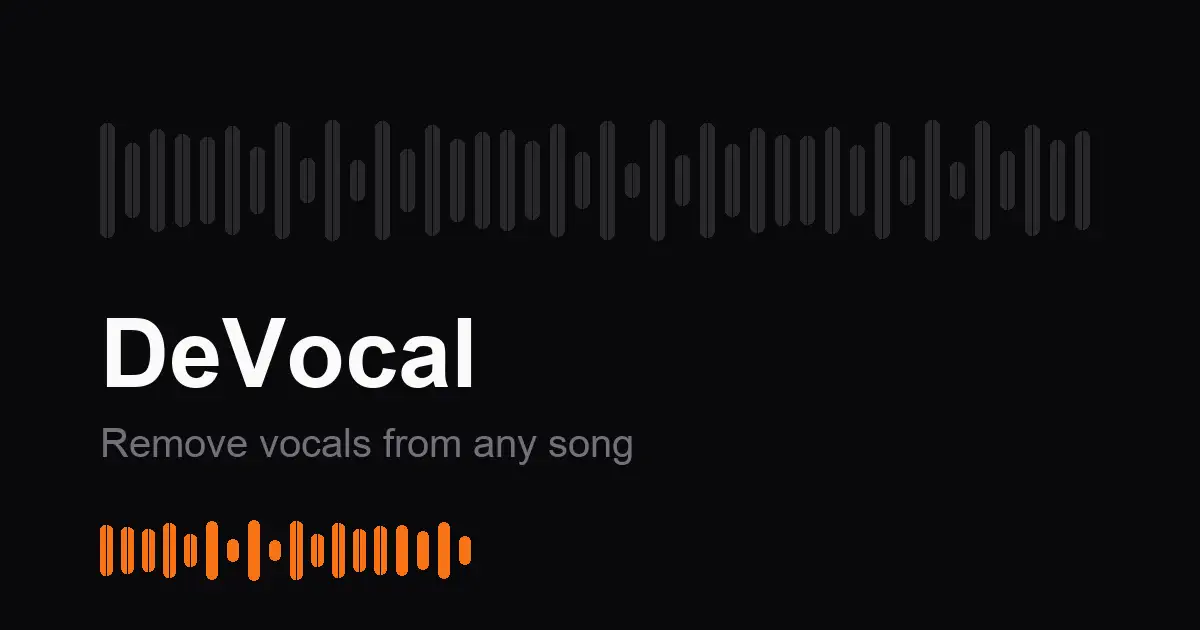
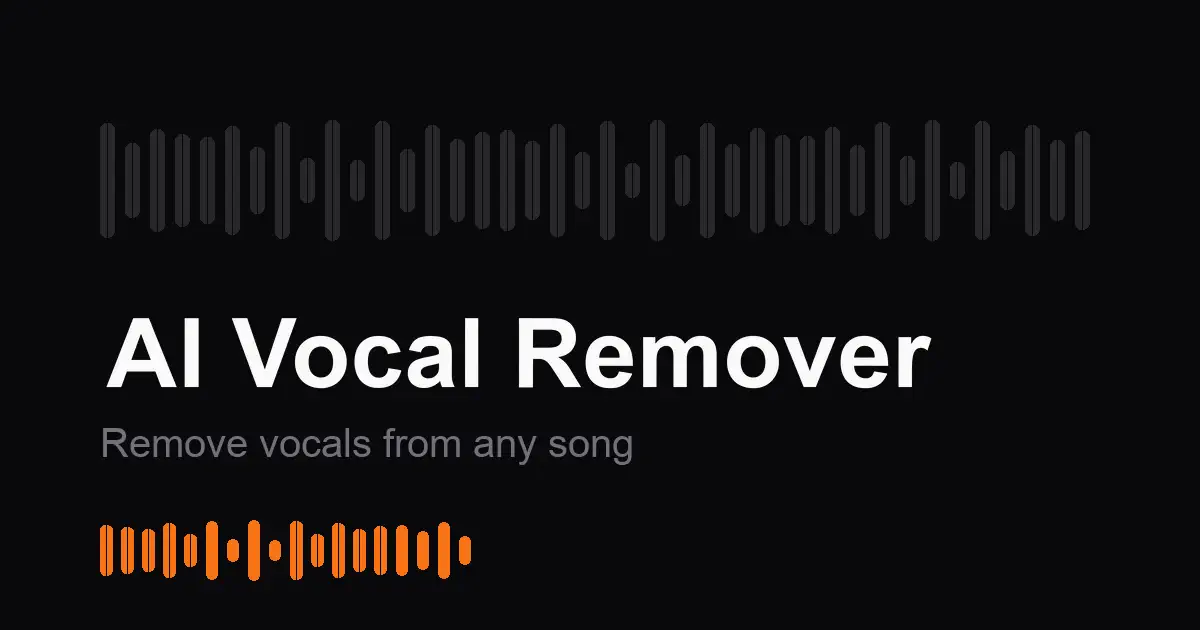
Only have a flattened image? Replace one text region in an opaque PNG, JPEG or WebP without rebuilding the design or adding a separate text overlay.
Up to 60 characters. One block of printed Latin text.
DeVocalAI Vocal Remover
This stored DeVocal result replaces DeVocal with AI Vocal Remover. Both images come from the reviewed processing run, with the original selection shown.
The format alone does not determine whether an image works. Text must be clear Latin lettering or numbers in one region on a solid or smooth-gradient background. The file must be opaque, single-frame, at most 10 MiB and 16 megapixels. A PNG containing transparency is rejected; export a copy against a solid background first.
One clear text region on a flat or smooth-gradient background. Opaque PNG, JPEG or WebP; up to 10 MiB and 16 megapixels. Latin text and numbers only. The interface is available in English and Simplified Chinese; Chinese image text editing is not supported.
The free check comes first. In rejectable mode, 1 credit is charged only if you keep the result. With no free rejections left, delivery charging requires your confirmation before generation. Technical failures return the held credit.
Update your own website graphic, a digital flyer or a flat promotional card when no layered design file is available. The output is always a PNG at the original dimensions, including when the input is JPEG or WebP. It does not restore layers, create a font file or export a JPEG.
Download an opaque PNG at the original image dimensions. Pixels outside your selected box are preserved. Inspect every changed letter and number before publishing; matching a font inside the box is not guaranteed.
Transparent PNGs, animated images, PDFs, text on photographic or textured backgrounds, very small lettering and Chinese/Japanese/Korean text editing are not supported. This is a replacement tool, not an add-text overlay, OCR export or whole-image translator.
No. Flatten it onto a solid background in another editor and upload the opaque copy. The downloaded result is also opaque.
Yes, supported JPEG images can be uploaded alongside PNG and WebP. The output is a PNG, not a JPG.
No. The result is a flattened image. Keep your layered source file if you need repeated design changes.
No. The service processes the selected text region and composites it into the original image. The box’s exterior pixels are kept; you still need to inspect the new lettering.